TunnelBear for remote work: how to use this VPN for productivity, security, and access
A practical guide to using TunnelBear for remote work, covering setup, features, security tips, and scenarios.
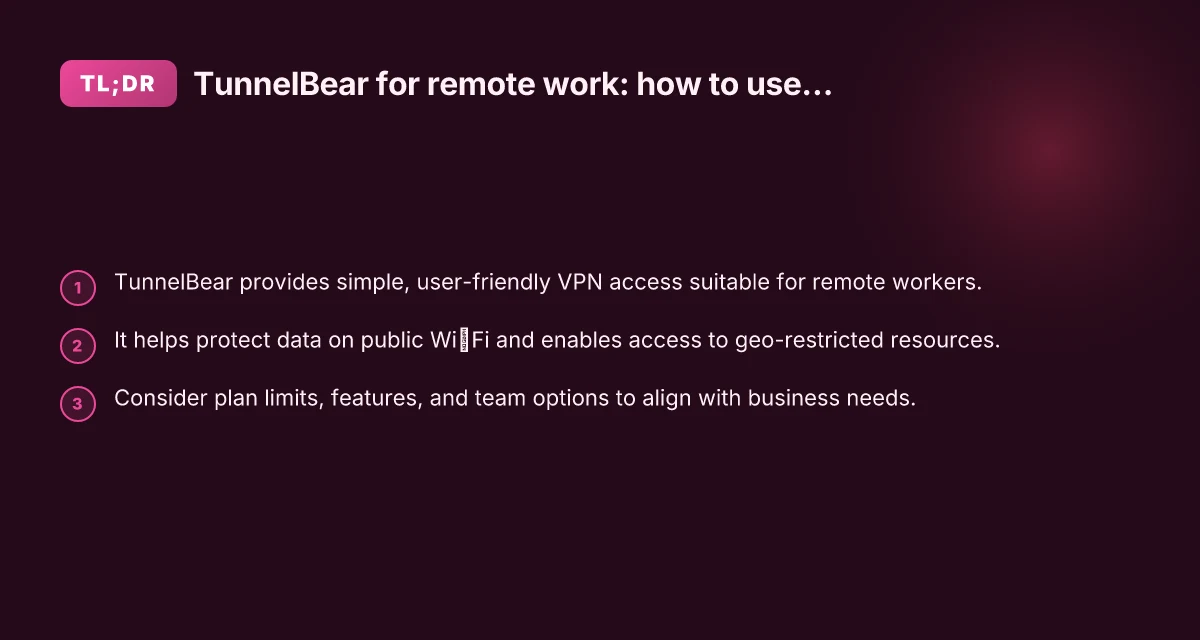
The rise of remote work has made secure, reliable connectivity essential. TunnelBear stands out for its approachable design and straightforward setup, making it a popular choice for individuals and teams seeking a VPN that “just works.” This guide explores how to use TunnelBear effectively for remote work, from getting started to practical tips, security considerations, and pricing options.

What TunnelBear is and why remote workers choose it
TunnelBear is a consumer-friendly virtual private network (VPN) that creates an encrypted tunnel between your device and the internet. For remote work, it offers several advantages:
- Easy setup across Windows, macOS, iOS, and Android.
- Strong default encryption and a no-logging position, depending on plan specifics.
- Quick access to servers in many countries, helping with geo-restricted work tools or content.
- A visually approachable interface that reduces the friction of adopting a VPN.
That combination of simplicity and solid core features makes TunnelBear a practical option for remote workers who need reliable protection without a steep learning curve.
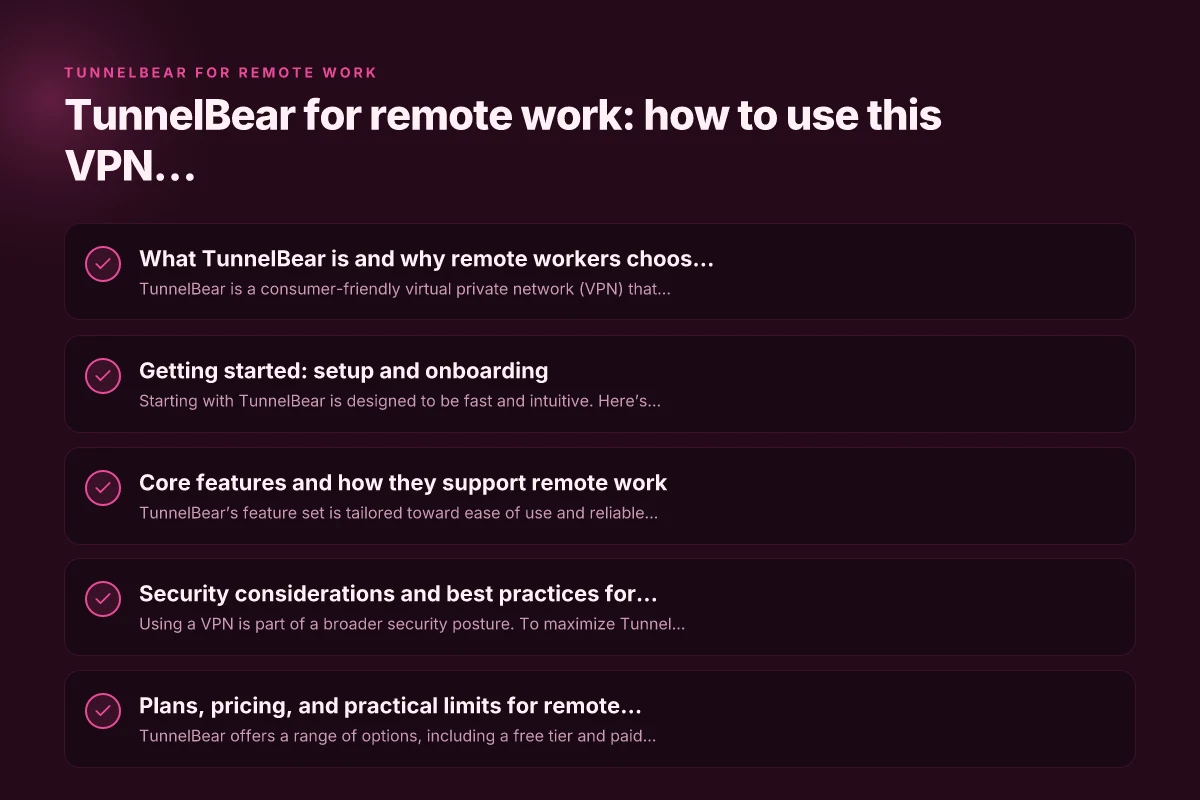
Getting started: setup and onboarding
Starting with TunnelBear is designed to be fast and intuitive. Here’s a quick checklist to get you up and running for remote work:
- Create an account: Sign up on TunnelBear’s website and choose a plan. If you’re exploring, there’s a free plan with data limits to test.
- Install the app: Download the appropriate client for your device (Windows, macOS, iOS, Android).
- Grant permissions: Allow the app to install VPN configurations and display notifications as needed.
- Connect to a server: In the app, pick a country or server that suits your needs (e.g., a region close to your work resources for speed, or a country with access to a specific service).
- Verify the connection: Ensure the VPN status shows connected and test by visiting an IP checker or accessing company resources.
For teams or organizations, TunnelBear also offers a business-oriented option that includes centralized management and user provisioning, which can streamline onboarding and policy enforcement.
Core features and how they support remote work
TunnelBear’s feature set is tailored toward ease of use and reliable protection. Here are the core elements most relevant to remote workers: Mullvad for remote work: a comprehensive guide to secure, private, and efficient remote productivity
- Strong encryption: AES-256 encryption ensures data-in-motion is protected on public networks, such as coffee shop Wi‑Fi.
- Kill switch (where available): Some platforms support a kill switch that stops traffic if the VPN drops, reducing exposure.
- Vigilant mode and network protection: Optional features designed to block traffic outside the VPN tunnel or detect malicious activity.
- Server availability and selection: Access to multiple server locations helps with latency optimization or circumventing geo-restrictions.
- No-logs policy (as advertised): Many users value privacy, and TunnelBear emphasizes its logging stance, though it’s wise to review current policy details.
Performance and reliability will depend on your device, connection speed, and server load. TunnelBear tends to prioritize a straightforward experience, which is ideal for remote workers who don’t want to tinker with settings.
Security considerations and best practices for remote work
Using a VPN is part of a broader security posture. To maximize TunnelBear’s value in remote work, pair it with good practices:
- Use the VPN consistently on public networks: When you’re on a cafe, hotel, or any shared network, keep TunnelBear connected to protect data in transit.
- Enable kill switch where possible: If your platform supports it, enable the kill switch to prevent a leak if the VPN drops.
- Verify server location: If accessing company resources, choose a server location that minimizes latency while aligning with your access requirements.
- Keep devices updated: Regular OS and application updates reduce the risk of vulnerabilities that could bypass the VPN.
- Use strong authentication: If your workspace supports it, combine TunnelBear with strong credentials, SSO, or MFA for an added layer of security.
- Separate work and personal use: If possible, avoid mixing work traffic with personal browsing while connected to a VPN to reduce risk and avoid policy conflicts.
If your company handles sensitive data, consult your IT or security team about dedicated business VPN solutions, policy enforcement, and traffic monitoring beyond a consumer-grade plan.
Plans, pricing, and practical limits for remote teams
TunnelBear offers a range of options, including a free tier and paid plans. Here’s how to think about it for remote work:
- Free plan: Good for testing and light use, but data is limited and may not be suitable for sustained remote work.
- Paid plans for individuals: Expect monthly or annual pricing with higher or unlimited data, faster speeds, and access to more servers.
- Team or business plans: These provide centralized administration, user provisioning, and additional security controls. They are better suited for small teams or organizations that need policy management, centralized billing, and usage reporting.
- Data caps: If you anticipate heavy VPN use (video calls, large file transfers, cloud backups), ensure your plan offers sufficient data or consider an unlimited data option if available.
- Server access: Some plans cap the number of simultaneous connections or restrict certain server features. Verify that your chosen plan meets your remote-work needs.
When selecting a plan, map your typical work patterns: how many devices you will protect, how often you travel, and whether you require access to specific regional services or content. Windscribe for remote work: a practical guide to boosting security and access
A quick comparison at a glance
Here’s a simple comparisons table to help you weigh TunnelBear against a couple of common alternatives for remote work. Note that exact features may change over time, so check current offerings.
| VPN feature | TunnelBear (personal) | Competitor A | Competitor B |
|---|---|---|---|
| Ease of use | High | Medium | Medium |
| Platforms supported | Windows, macOS, iOS, Android | Same | Same |
| Server locations | Multiple, user-friendly map | Wide, enterprise-friendly | Varied |
| Data limits (free plan) | Limited | None or limited | Limited or none |
| Kill switch | Varies by platform | Often present | Often present |
| Business features | Team management, centralized billing | Often includes SSO and admin tools | Enterprise controls available |
| Privacy and logging stance | Emphasized policy | Depends on vendor | Varies |
If your priority is ultimate enterprise-grade controls and visibility, you may want to compare TunnelBear Business with other enterprise VPNs that focus on audit trails, policy enforcement, and advanced authentication.
Scenarios: when TunnelBear shines for remote work
- Coffee shop work sessions: Quick, reliable protection on public Wi‑Fi, minimizing risk of eavesdropping on your work communications.
- Accessing geo-restricted resources: If your work requires access to tools or content available in specific regions, TunnelBear’s server network can help you reach those resources without complex configurations.
- Travel and remote collaboration: When moving between locations, you can switch servers to maintain a stable connection to cloud services or teammates.
- Light to moderate data use: For general work tasks like email, document collaboration, and messaging, TunnelBear provides straightforward security without needing heavy bandwidth.
If your workflow involves heavy video conferencing or large file transfers, test your typical usage on your chosen plan to confirm latency and stability, and consider a plan with higher data allowances or unlimited data if needed.
Final recommendations: should you choose TunnelBear for remote work?
- If you value simplicity and a pleasant onboarding experience, TunnelBear is an excellent choice for remote work, especially for individuals or small teams prioritizing ease of use.
- For organizations with strict security mandates, evaluate TunnelBear’s business offerings, feature depth, and how they align with your security policies. Compare admin controls, audit capabilities, and compatibility with your identity provider or SSO.
- Consider your data needs. If you anticipate heavy VPN usage, confirm that your plan provides enough data and speed. A paid, business-oriented plan is more predictable for ongoing remote work.
- Always pair a VPN with solid endpoint security, good password hygiene, MFA where possible, and standard security practices to maximize protection.
In short, TunnelBear for remote work offers a compelling blend of simplicity and secure connectivity. It’s particularly well-suited for remote workers who want a low-friction VPN that defends data on public networks and supports straightforward access to regional resources. For teams, evaluating the business tier can unlock centralized management and policy controls that scale with your organization. If your needs align with those strengths, TunnelBear can be a valuable component of your remote-work toolkit.